From the first day I started using Pinterest I have always wished that I could mass edit my Pinterest boards.
They got out of hand quickly and we all know the horror of jumbled boards that don’t make any sense. Okay. Fine. I’ll stop with the exaggerations.
Earlier today I was playing around with my two different home decorating boards (how did that happen?) and I realized I could now mass edit or move my pins from one board to another.
How long has this possible and how did I not know? Who else out there doesn’t know??
If you are aware, when did that happen?! How ridiculously genius and easy!
Afraid to get started? don’t be! here a step-by-step what I did to merge my home boards.
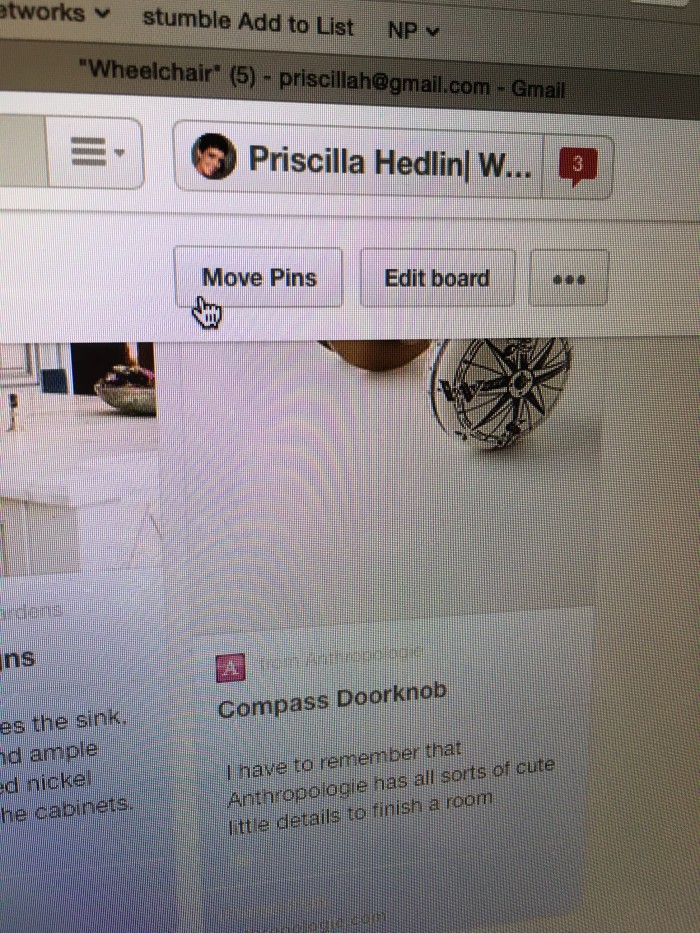
Right next to the board’s edit board button you will now see a nifty little MOVE pins button! Click on that.
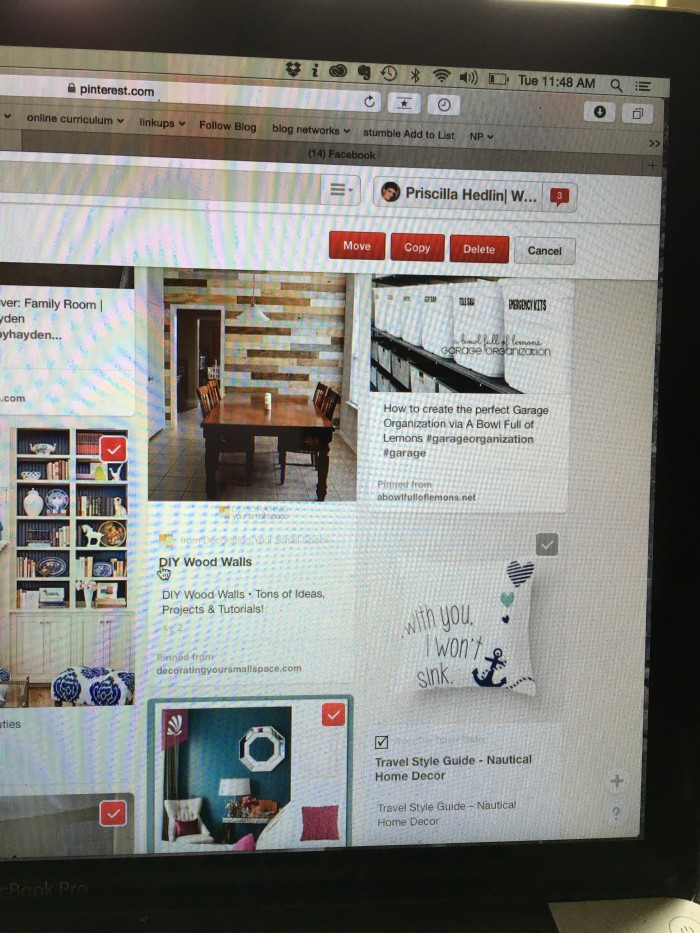
Now you are given 3 options. copy. move. delete. But first you have to select your pins. The red check box means that pin has been selected and the gray box means it has not. EASY!
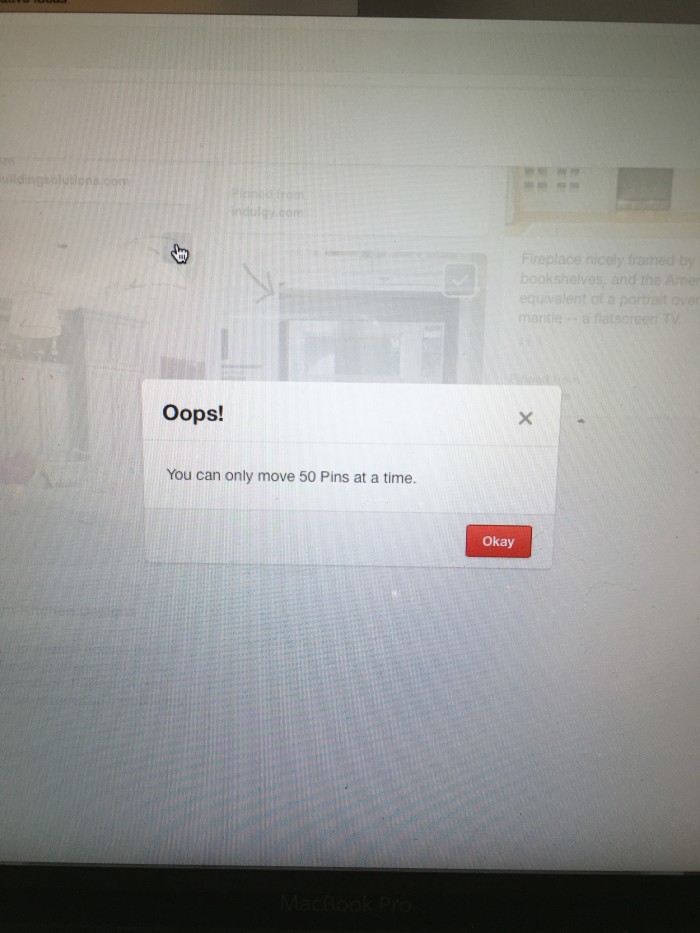
Careful. You can only move 50 at a time. OOPS!!
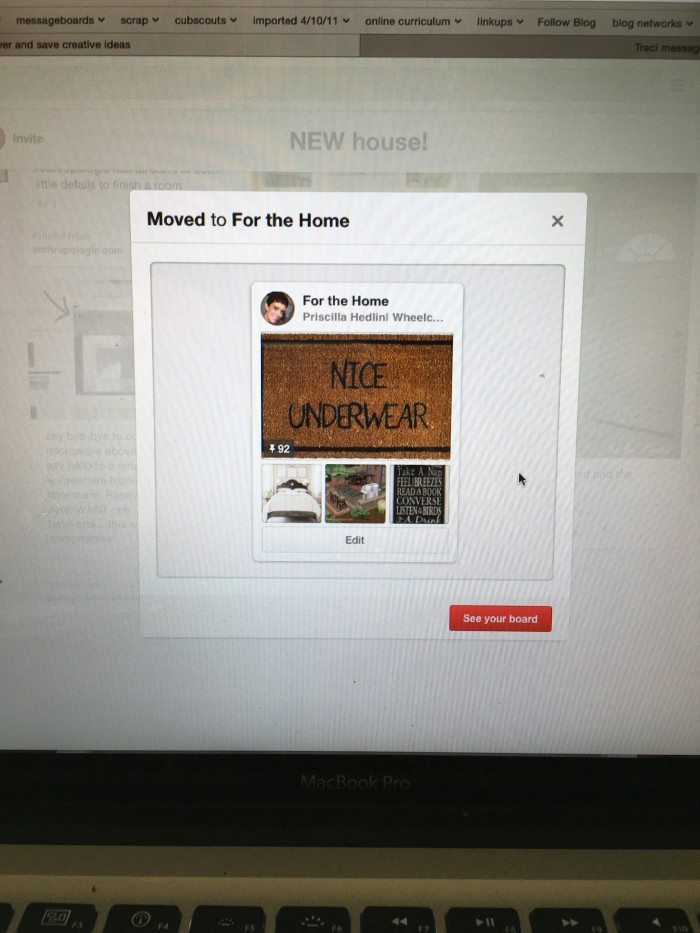
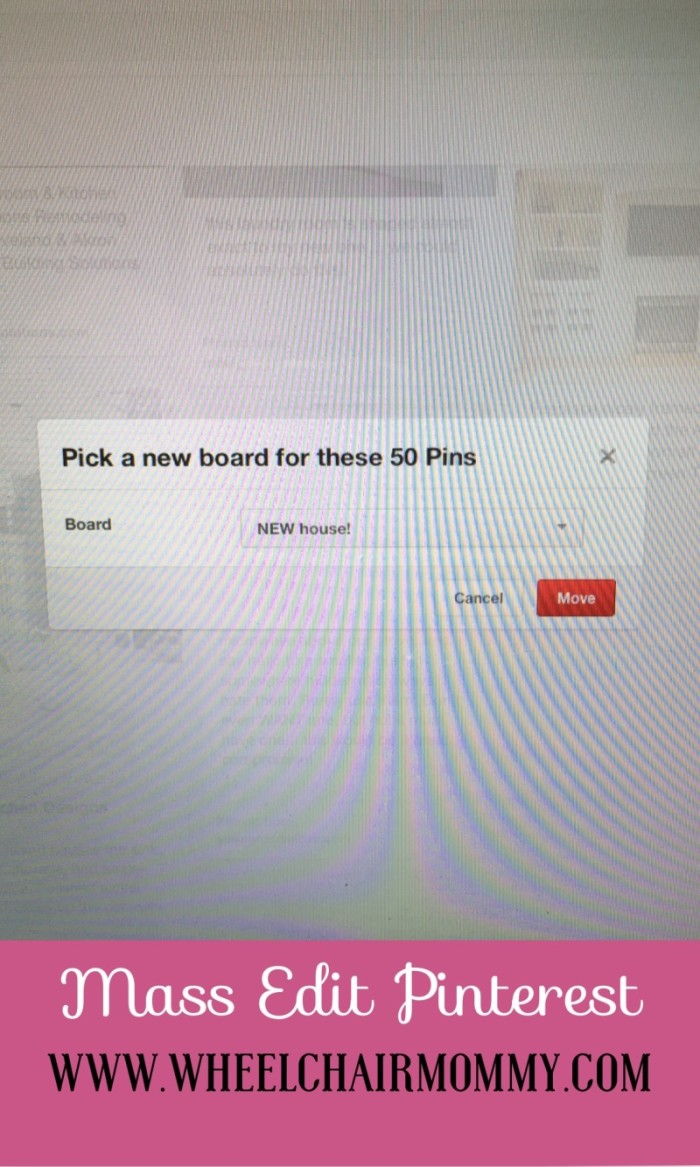
After you select your pins you then select which board you want to move or copy to and then you are DONE! Easy!